
Designing Custom Mylar Bags: Expert Tips & Common Mistakes
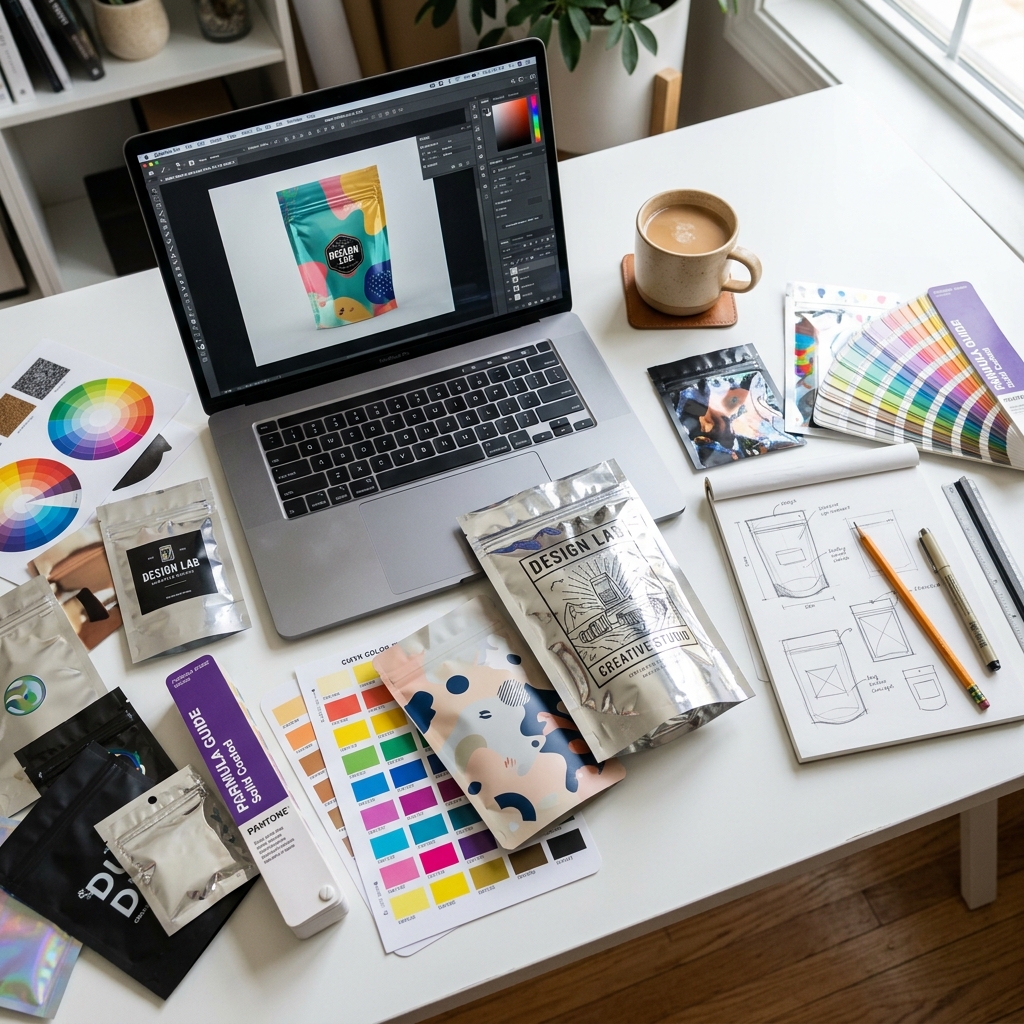
File Preparation Essentials
Before designing your mylar bag, understand the technical requirements:
- File format: Adobe Illustrator (AI) or high-resolution PDF preferred. PSD accepted. Avoid JPEG/PNG for final artwork.
- Resolution: Minimum 300 DPI at actual print size. For photo elements, 350 DPI recommended.
- Color mode: CMYK for standard printing. Pantone PMS for exact brand color matching.
- Bleed: Extend all designs 3mm (0.12 inches) past the dieline on all sides.
- Safe zone: Keep all critical text and logos 5mm (0.2 inches) inside the dieline.
Designing for Mylar Material
Mylar bags have unique material properties that affect design:
The Metallic Factor
Mylar's aluminum layer creates a metallic silver base. If you print semi-transparent inks, the metallic will show through. Use a white ink base layer under your design for opaque, accurate colors. Without white ink, colors appear muted and metallic.
Surface Finish Effects
Matte finish absorbs light and softens colors — ideal for premium, understated brands. Gloss finish reflects light and intensifies colors — best for vibrant, eye-catching retail products. Soft-touch finish adds a velvety texture for luxury positioning.
Structural Design Considerations
Different bag styles require different design approaches:
- Stand-up pouches: Design for the front panel, back panel, and bottom gusset as separate panels. The gusset folds create visual seams.
- Flat bags: Simpler two-panel design. Front and back are mirror images of the structural layout.
- Gusseted bags: Side gussets add extra printable area. Consider how the gusset folds affect artwork continuity.
The 7 Most Common Mistakes
- Low resolution artwork: Submitting images under 300 DPI. Always work at print resolution.
- No bleed area: Designs that stop at the cut line will show white edges after cutting.
- Text too close to edges: Text within 5mm of the dieline risks being cut off or folded into seams.
- RGB color mode: RGB colors shift significantly when converted to CMYK. Always design in CMYK.
- Ignoring the zipper area: Designs that place critical elements behind the zipper mechanism.
- Not requesting a dieline template: Designing without a template leads to misaligned artwork.
- Forgetting regulatory labels: For cannabis and food products, compliance labels are mandatory and must be part of the design.
Cubit Design Support
Every Cubit order includes free design support: dieline templates for any bag size, pre-press file review and color correction, 3D photorealistic mockup within 15 minutes, unlimited design revisions, and Pantone color proof verification. You can also use our AI Design Studio to create custom mylar bag designs from scratch — no design software required.
Ready to design? Launch the AI Design Studio or explore custom printing options.
Related Design & Ordering Resources
- Custom Mylar Bags Buyer's Guide — Complete ordering guide with product links.
- Types of Mylar Bags — Choose the right format before designing your artwork.
- Wholesale Mylar Bags — Printing methods and pricing for bulk custom orders.
- Cannabis & CBD Mylar Bags — Design restrictions and compliance for cannabis packaging.
- Mylar Bag Problems — Avoid print peeling and other design-related defects.
Start Your Custom Design
- Custom Mylar Bags — Full-color custom printing from 500 units
- Holographic Mylar Bags — Eye-catching holographic finish
- Die-Cut Shaped Mylar Bags — Unique custom shapes
🛒 Order Custom Mylar Bags
Cubit offers custom printed mylar bags from $0.05/unit — smell-proof, food-grade barrier pouches with child-resistant, ziplock, and heat-seal options. 500 unit MOQ.