
Packaging Guides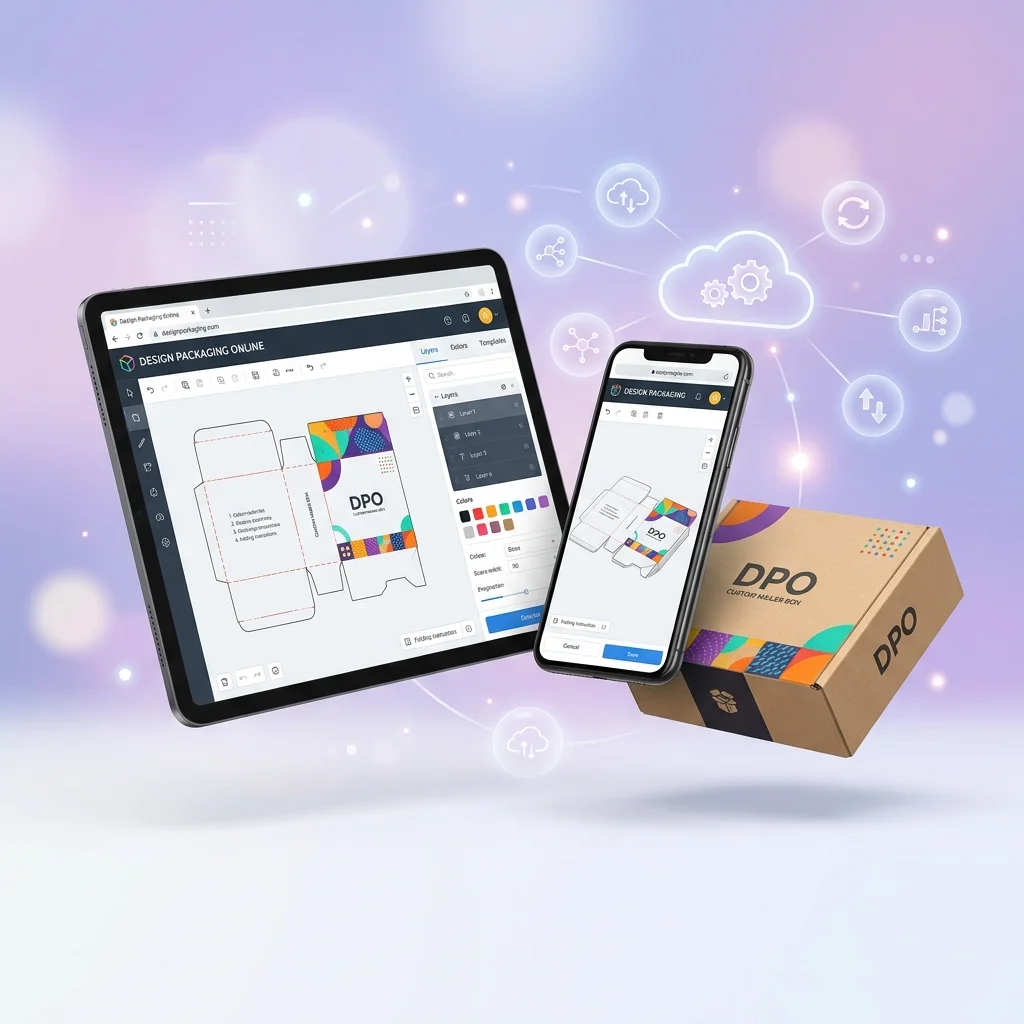
Design Packaging Online: Free Tools to Create Custom Boxes & Labels
Cubit Packaging
July 2, 2026
2 min read
Quick Answer: You can design packaging online without downloading any software. Cubit Design Studio runs entirely in your browser, uses AI to generate custom box designs with real dielines, and is free to start.
Key Takeaways
- Design packaging online without downloading software or plugins
- AI-powered online tools generate complete box designs in under 60 seconds
- Browser-based packaging design works on any device
- Free online packaging design editors range from label makers to full AI generators
Best Online Packaging Design Tools
1. Cubit Design Studio
Describe your product → AI generates a print-ready dieline + 3D mockup. Free to start. cubitpackaging.com/design
2. Canva
Drag-and-drop editor with packaging label templates. Free tier. No dielines.
3. Pacdora
Upload artwork → apply to 3D box mockups. Free tier with watermarks.
4. Packhelp
Customize pre-made box templates → order directly. Pay per order.
Online vs Desktop
| Feature | Online Tools | Desktop Software |
|---|---|---|
| Installation | None needed | Download + install |
| Cost | Free options | $22.99+/month |
| Learning curve | Minutes | Weeks to months |
| Dieline generation | Cubit only | ArtiosCAD only |
Open Cubit Design Studio → — design custom packaging in your browser, no download required.
See all tools in our best packaging design tools 2026.
Design your packaging free in 60s
Try the free AI packaging design tool