
The Complete Guide to QR Code Labels for Connected Smart Packaging
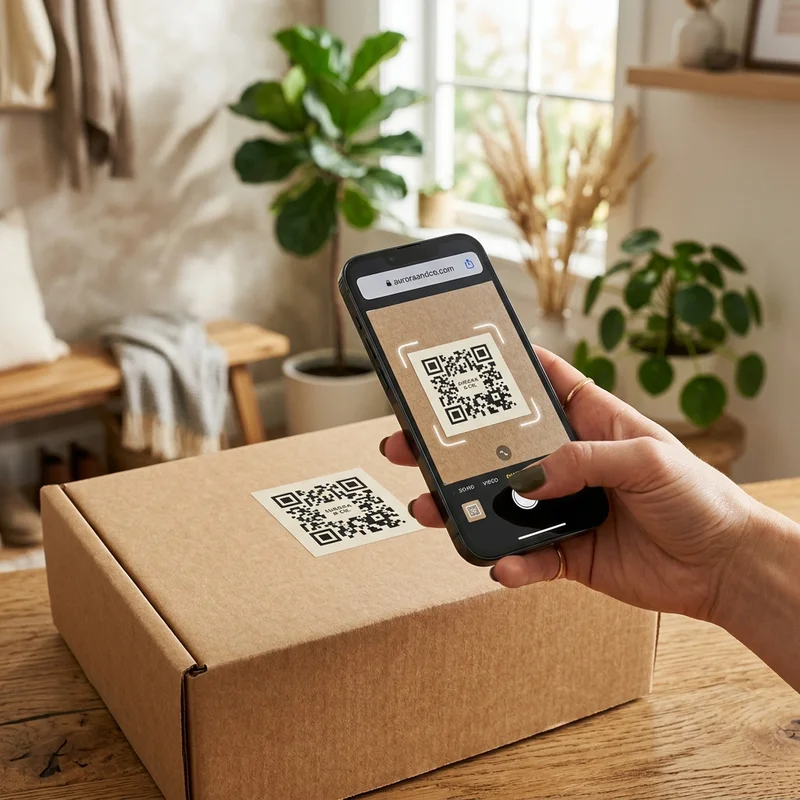
In the modern B2B packaging landscape, custom QR code labels have transitioned from a tech convenience to a core brand asset. By bridging physical products and digital platforms, these scannable stickers allow brands to transmit vast amounts of data—such as user manuals, safety instructions, and marketing campaigns—without cluttering their visual packaging design.
However, printing a QR code on a sticker is not as simple as copy-pasting an image. A single scan failure can result in lost customers, shipping delays, or compliance fines. It requires a detailed understanding of material selection, scan contrast ratios, and structural quiet zones.
In this comprehensive guide, we walk you through the key specifications, design requirements, and manufacturing steps to build high-performance QR code labels.
1. Dynamic vs. Static QR Codes: The Strategic Choice
Before designing your labels, you must decide how the data is embedded.
Static QR Codes (Unchangeable)
Static QR codes embed the target destination URL directly into the pixel pattern.
- Limitation: The URL can never be changed once printed. If your website changes or the link breaks, the label becomes useless.
- Usage: Ideal for permanent serial numbers, alphanumeric product IDs, or internal warehouse routing where the destination never changes.
Dynamic QR Codes (Dashboard-Controlled)
Dynamic QR codes embed a short redirect URL. The physical pattern is simpler and redirects the user to the destination.
- Advantage: You can edit the destination URL in your digital dashboard at any time without reprinting the physical stickers.
- Data Tracking: Dynamic codes allow you to track scan metrics, including location, time of day, and scanner device type.
2. Choosing the Right Label Material for Durability
QR code stickers must endure their product's lifecycle. A torn, smudged, or faded label will fail to scan.
Glossy & Matte BOPP (Polypropylene)
For retail packaging, cosmetics, and food jars, BOPP is the standard material.
- Glossy White BOPP: Extremely sharp print clarity. Oil and water-resistant.
- Matte White BOPP: Glare-free finish that eliminates overhead light reflections, speeding up scan times under fluorescent retail lights.
Weatherproof Vinyl
For outdoor equipment, machinery, and logistics tracking, heavy-duty vinyl labels provide up to 5 years of UV and rain protection. They stretch slightly over curved surfaces without wrinkling.
Natural Kraft Paper
If you are aiming for an organic or eco-friendly brand look, unbleached kraft paper is ideal.
- Scan Tip: Kraft paper absorbs ink, which can slightly blur tiny modules. Ensure you print high-contrast solid black ink and use a larger label size to maintain scan accuracy.
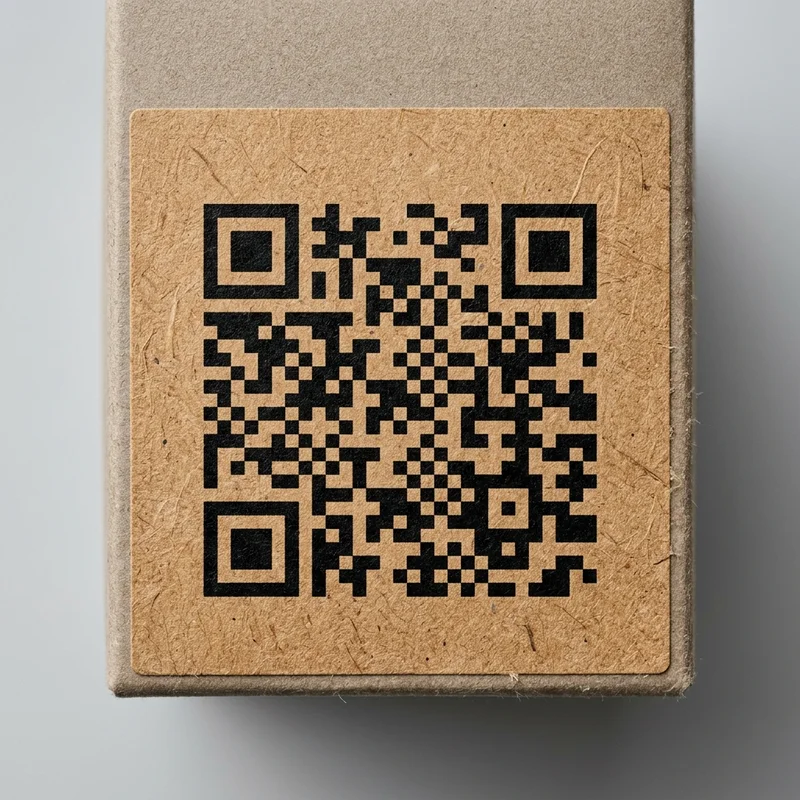 Natural kraft paper QR code label showing eco-friendly textured finish
3. Print Specifications for First-Time Scannability
Mobile cameras use optical sensors to recognize light and dark modules. To ensure a fast scan on the first try, you must adhere to three print rules:
A. Contrast Ratio
The QR code must stand out from the background. The gold standard is a solid black code printed on a white background. If you must print on clear or metallic labels, you must underprint a white ink base layer to create a solid background under the code modules.
B. The Quiet Zone (Border Margin)
The quiet zone is the blank border surrounding the QR code. It prevents the scanning app from confusing the QR modules with surrounding packaging designs or text. The quiet zone must be at least 4 times the width of a single QR module.
C. Size Guidelines
The physical size of the QR code depends on the scanning distance and URL length.
- Micro (0.8" × 0.8"): The absolute minimum size for close-range scanning on smartphones.
- Standard (1.5" × 1.5" to 2.0" × 2.0"): Highly recommended for shipping packages, event check-in desks, and digital menus.
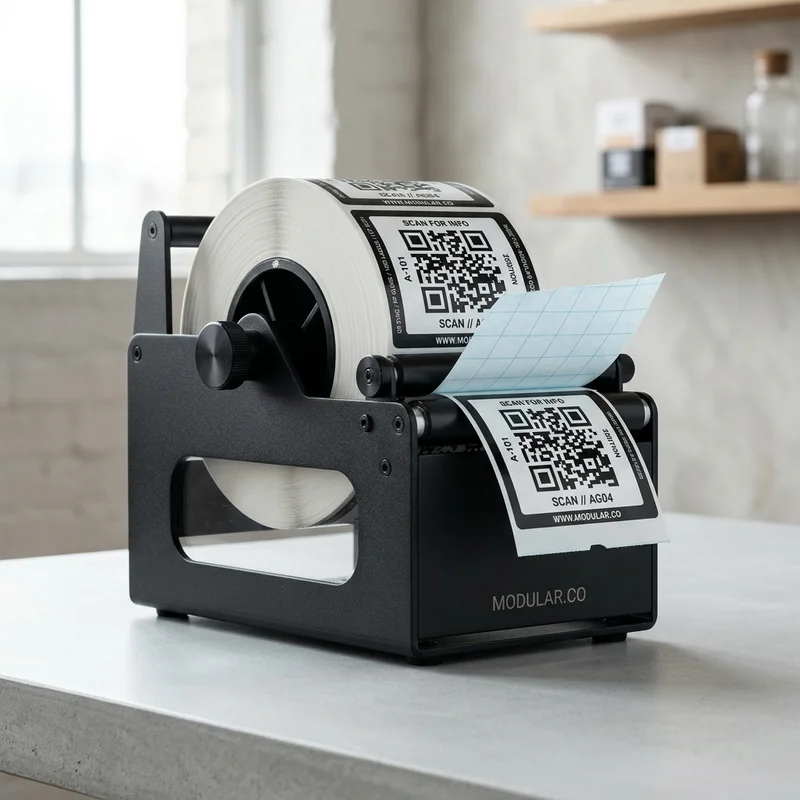 Label roll of custom QR codes loaded inside a tabletop metal dispenser
4. Variable Data Printing (VDP) at Scale
For asset tracking, inventory management, or high-value security seals, you will need a unique QR code on every single label. This is done via Variable Data Printing (VDP).
Using digital web presses, we can pull data from a CSV spreadsheet and print sequentially numbered barcodes, unique alphanumeric serials, or unique URLs onto each sticker as it runs through the press. This is highly utilized for:
- Asset Management: Unique serial numbers for server racks and tools.
- Product Authentication: Serialized codes for luxury retail goods to verify authenticity.
- Interactive Campaigns: Unique marketing codes that reward individual buyers.
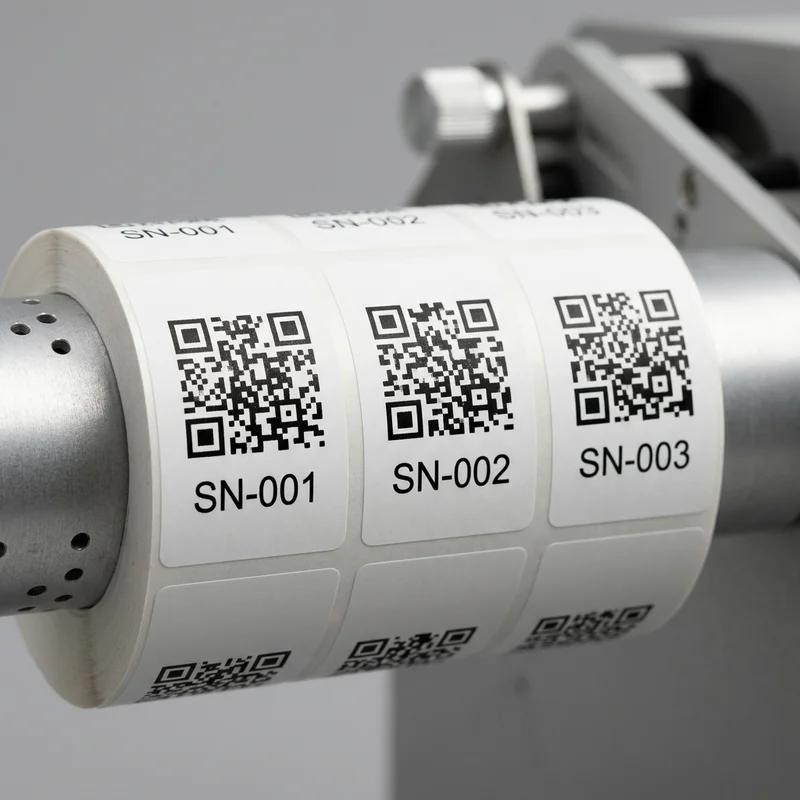 Sequential QR code stickers on a roll showing variable data printing serial numbers
Frequently Asked Questions
What is the minimum scan size for custom QR stickers?
For standard mobile devices, we recommend keeping the code at least 0.8 inches (20mm) square. Anything smaller may fail to focus on older phone models or in low-light environments.
Can I print QR codes on clear labels?
Yes, but you must select a white ink backing base. Without an opaque white underprint, the QR code will blend into the color of the liquid or surface behind the label, rendering it unscannable.
How are the labels supplied?
Our QR code labels are supplied on rolls with a standard 3-inch inner core, making them fully compatible with automatic label application machinery and manual dispensers.
Get Started with Smart Packaging
Adding digital connectivity to your physical packaging is the fastest way to engage customers and track assets. Explore our full range of custom stickers in the Labels & Stickers category page, or order a low-run batch of custom product labels to test your design.
Ready to print? Get an instant quote on our QR Code Labels page today.