
Packaging Guides
A practical guide to custom barcode labels for growing brands
Cubit Team
July 8, 2026
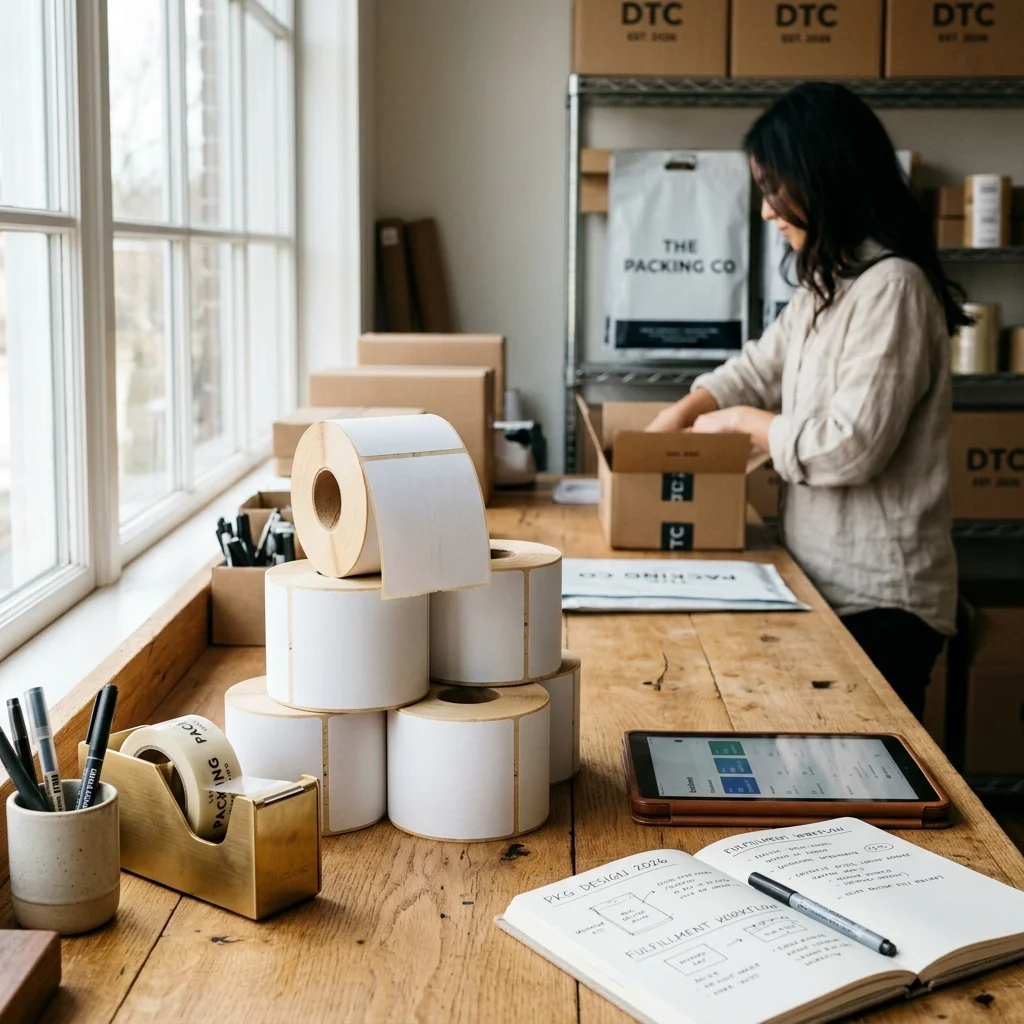
Custom barcode labels are specialized adhesive labels printed with machine-readable optical codes that track inventory, manage logistics, and facilitate retail checkouts. For growing brands, using the correct custom barcode labels is the difference between a smooth retail partnership and thousands of dollars in retailer chargebacks due to unscannable packaging. Designing and printing these labels requires careful attention to barcode symbology, material selection, and printing methods to ensure they remain legible from the warehouse to the consumer.
Many brands start with basic paper stickers printed on home office machines, but this approach fails quickly at scale. As your shipping volume increases, your labels must withstand shipping friction, moisture, and UV light exposure. This guide covers everything you need to know to select, design, and print reliable labels that keep your supply chain moving without interruptions.
In this guide:
Before you print your first batch of custom barcode labels, you must understand which barcode format your retail and logistics partners require. Barcodes fall into two primary categories: one-dimensional (1D) linear codes and two-dimensional (2D) matrix codes.
Linear 1D barcodes hold a limited amount of alphanumeric data, typically a product identifier. The most common 1D barcode in North American retail is the UPC-A code, which contains exactly 12 digits. If you plan to sell physical products in retail stores, you must obtain these codes directly from GS1, the global standards organization that ensures every product barcode is unique. Using third-party barcode resellers can lead to major retail distributors rejecting your products.
Two-dimensional 2D barcodes, such as QR codes and Data Matrix codes, hold significantly more information in a smaller footprint. A standard QR code can store up to 7,089 numeric characters or 4,296 alphanumeric characters. Retailers and logistics providers use these for complex tracking, while marketing teams use them on custom retail packaging to connect customers to digital resources.
We have seen brands make the mistake of using the wrong barcode format for their target market. If you are shipping master cartons to fulfillment centers, you will likely need an ITF-14 barcode, which is a 14-digit code specifically designed to be read on corrugated cardboard surfaces.
The material you choose for your custom barcode labels dictates how well the label survives the shipping process. A barcode that is scuffed, torn, or faded cannot be read by automated scanners, requiring manual data entry or product rejection.
Paper labels are the most cost-effective option for indoor, low-friction applications. However, for products exposed to moisture, oils, or heavy handling, synthetic materials like polypropylene or polyester are necessary.
| Label Material | Common Uses | Pros | Cons |
|---|---|---|---|
| Direct Thermal Paper | Shipping labels, short-term warehouse tracking | Low cost, no ribbon required | Fades when exposed to heat or UV light |
| Thermal Transfer Paper | Retail product labels, indoor shelf marking | Crisp print, longer lifespan than direct thermal | Requires a ribbon, can smudge if rubbed |
| BOPP (Biaxially Oriented Polypropylene) | Cosmetics, beverages, bath products | Water-resistant, tear-resistant, oil-resistant | Higher initial material cost |
| Polyester (PET) | Outdoor equipment, electronics, heavy industrial | Extreme durability, chemical and heat resistant | Most expensive option |
Selecting the right adhesive is just as critical as the face stock. Permanent acrylic adhesives work best on smooth surfaces like custom folding cartons, while rubber-based hot melt adhesives provide a stronger initial grip on rough corrugated shipping boxes.
Designing custom barcode labels requires strict adherence to technical parameters rather than pure aesthetic choices. The most common cause of barcode scanning failure is the violation of the quiet zone. The quiet zone is the blank space surrounding the barcode that tells the scanner where the code begins and ends. For a standard UPC-A barcode, the quiet zone must be at least 0.09 inches wide on both the left and right sides.
Another critical factor is contrast. Scanners read barcodes by measuring the difference in light reflection between the dark bars and the light spaces. Black bars on a white background provide the highest contrast and the most reliable scans.
Never use red ink for your barcode lines. Red-laser scanners illuminate the label with red light, making red bars look white to the scanner, rendering the barcode completely invisible. Similarly, avoid metallic backgrounds, as the reflective surface scatters the scanner light and prevents an accurate reading.
Keep your barcode size within the standard GS1 specification ranges. The nominal size of a UPC-A barcode is 1.469 inches wide by 1.02 inches high. While you can scale this size down to 80% or up to 200%, reducing the barcode below the 80% threshold makes it incredibly difficult for standard retail hardware to read the code.
When printing custom barcode labels at scale, you generally choose between two thermal printing technologies: direct thermal and thermal transfer. Both have distinct use cases based on your product lifespan and distribution environment.
Direct thermal printers use heat-sensitive paper that turns black when exposed to the heated printhead. This method requires no ink, toner, or ribbon, making it incredibly simple and cost-effective. However, direct thermal labels are highly sensitive to heat and UV light. If a direct thermal shipping label sits in a hot delivery truck or near a sunny window, the entire label can turn black or fade within weeks.
Based on the packaging orders we process, we have found that brands using thermal transfer printing for their retail products see a 98% reduction in scanning-related retail rejections compared to those using direct thermal alternatives.
Thermal transfer printing uses a heated ribbon to melt ink onto the label material. This process creates a permanent, crisp image that resists smudging, fading, and chemical exposure. If your products will sit on retail shelves for months or endure harsh shipping conditions, thermal transfer is the industry standard.
For high-volume production, you can order your labels pre-printed on rolls. When ordering custom product labels, you can have the static branding elements printed in full color while leaving a designated blank space to print variable barcode data in-house using your own thermal transfer setup.
Major retailers like Walmart, Target, and Amazon have strict vendor compliance guidelines. If your custom barcode labels fail to scan during check-in at their distribution centers, they will charge you a fee per unscannable item, often ranging from $1.00 to $5.00 per unit. These chargebacks can quickly erase your profit margins on a purchase order.
To protect your business, implement a barcode verification process before shipping your products. Barcode verification is different from simple barcode scanning. A standard scanner simply tries to read the code; a verifier analyzes the barcode against ISO 15416 standards, grading the print quality, contrast, and edge definition on an A-to-F scale.
Always request a printed sample of your labels to test with your own inventory management systems before committing to a run of thousands of labels. You can easily start this process by submitting a request for a custom layout or visiting our rfq page to discuss material options with our team.
Additionally, make sure your labels comply with environmental regulations. If your products are sold in Europe, your packaging materials, including adhesives and labels, may need to comply with the European Union's packaging waste directives. Using FSC-certified paper liners and face stocks helps meet these growing sustainability mandates globally.
For a standard UPC-A barcode, the absolute minimum recommended size is 80% of the nominal size, which translates to approximately 1.175 inches wide by 0.816 inches high. Going smaller than this significantly increases the risk of scanning failures at retail checkouts.
Inkjet printers are not recommended for custom barcode labels because the water-based ink can easily smudge when exposed to moisture or friction during shipping. Thermal transfer or professional flexographic printing processes offer the durability and precision required for reliable scanning.
UPC-A barcodes are the standard 12-digit format used primarily in the United States and Canada. EAN-13 barcodes are a 13-digit format used across Europe and internationally. Most modern retail scanners can read both formats, but you should choose based on your primary sales region.
To prevent fading, use thermal transfer printing instead of direct thermal printing. Thermal transfer uses an ink ribbon to bake the image permanently into the label stock, making it highly resistant to UV rays, heat, and shipping friction.
Yes, every unique product size, color, flavor, or packaging variation requires its own distinct barcode. This ensures that retail point-of-sale systems and inventory databases can track stock levels accurately across your entire catalog.
Getting your barcode system set up correctly from the start saves your brand time, money, and shipping headaches. If you are ready to design durable, high-quality labels for your retail products or shipping boxes, we can help you select the exact materials and adhesives for your application. Get a free quote for your packaging project today.
Get started on your custom branding with custom Barcode Labels directly from our online marketplace, or build a personalized quote at our RFQ Procurement portal.
Design your packaging free in 60s
Try the free AI packaging design toolNeed Custom Packaging?
Get a free quote with pricing, MOQs, and turnaround time for your custom packaging project.